Skip to content

Made for clinics, salons & spas in the Philippines

Your clinic’s website and online appointments, beautifully in one place.

Sign up once and get your own site where clients book from their phones, plus the back office to run your day: scheduler, practitioner calendars, client charts and payments.

  • Clients book without an account
  • GCash, Maya, cards & QR Ph
  • Works on any phone
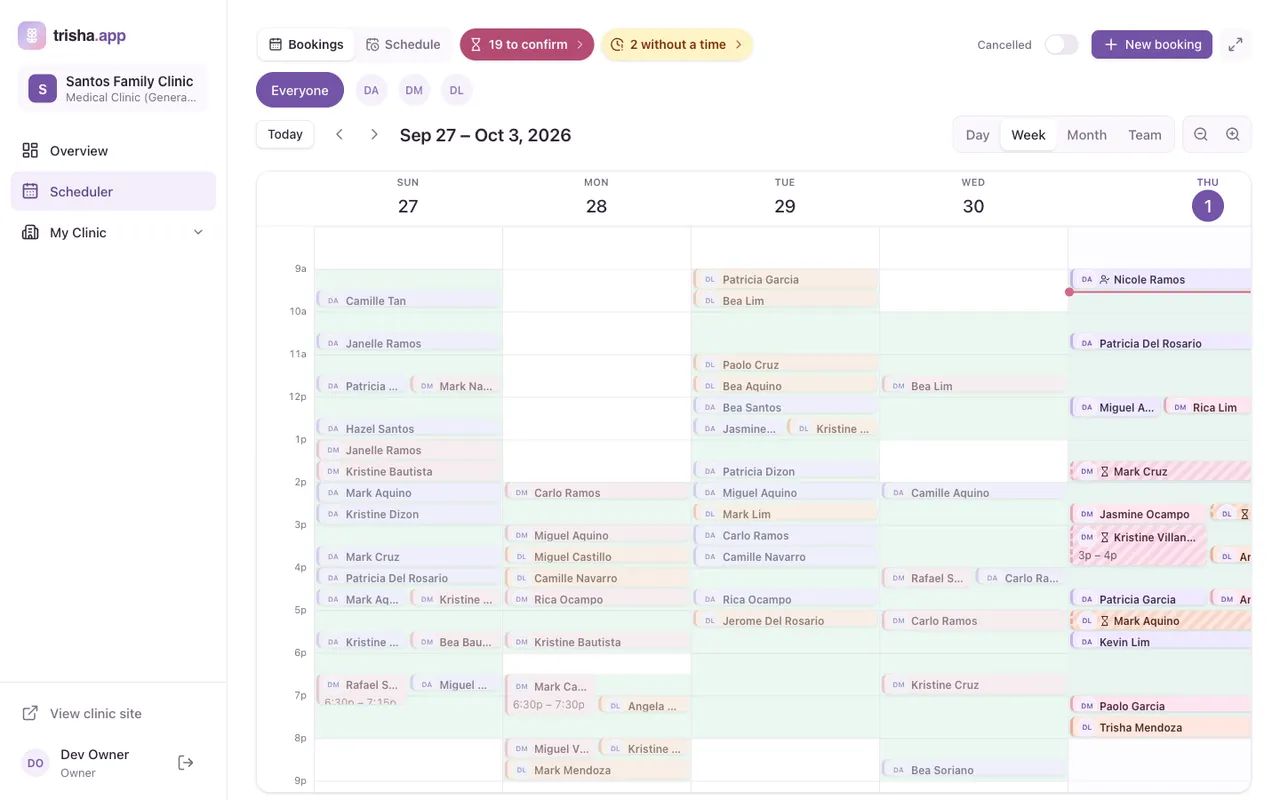
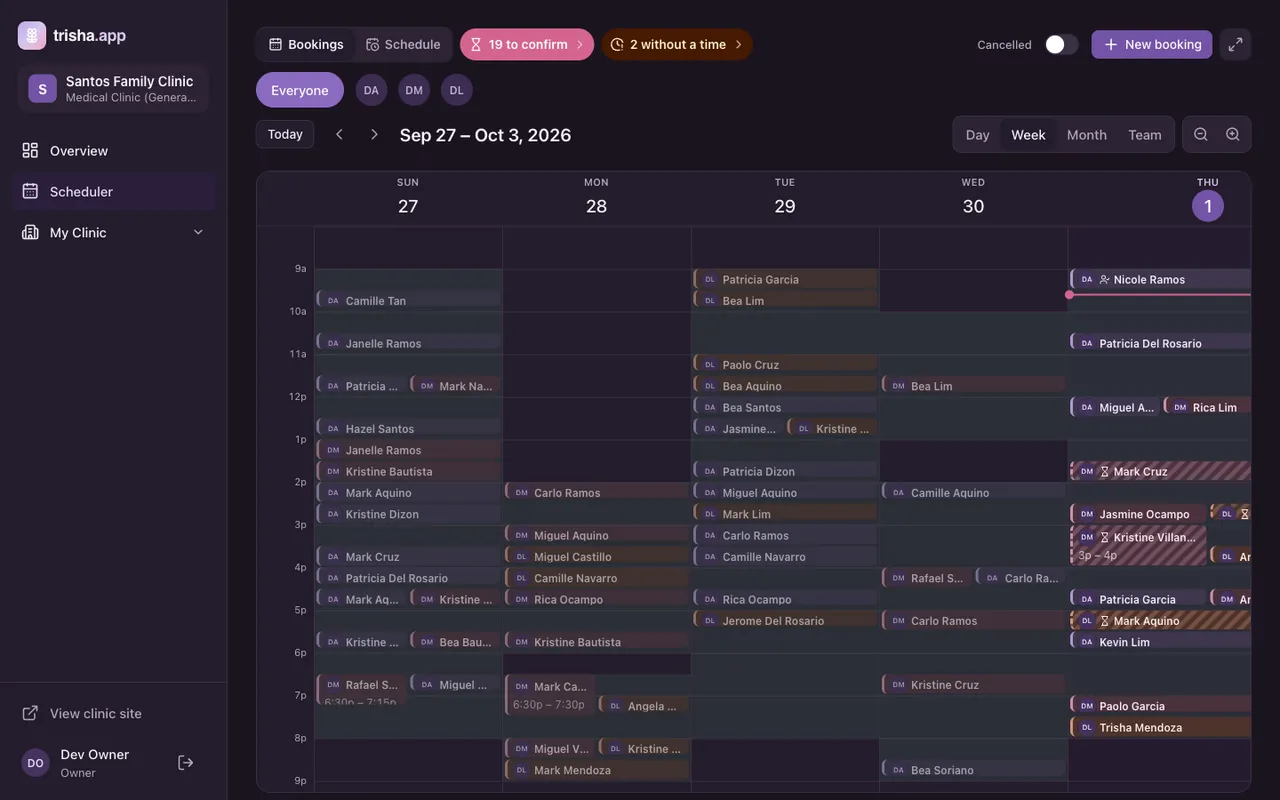
The trisha.app clinic scheduler showing a week of appointments for Santos Family Clinic
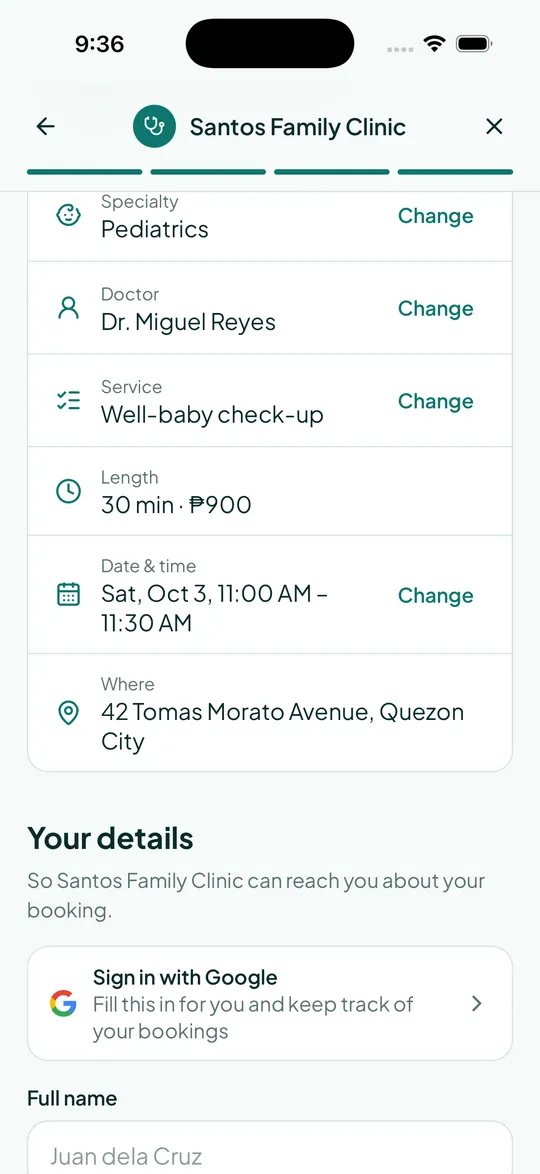
A client reviewing their appointment at Santos Family Clinic on a phone

A website for every clinic

A site that looks like you, not like us

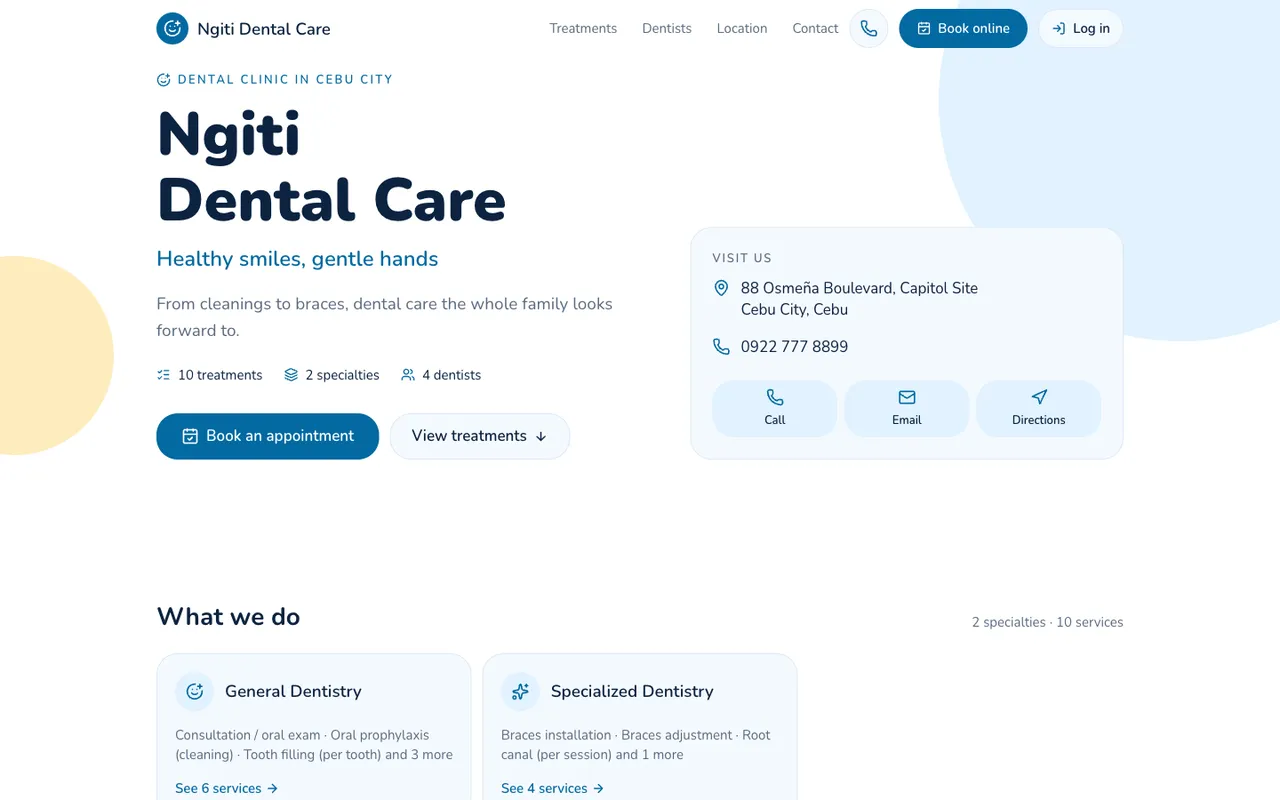
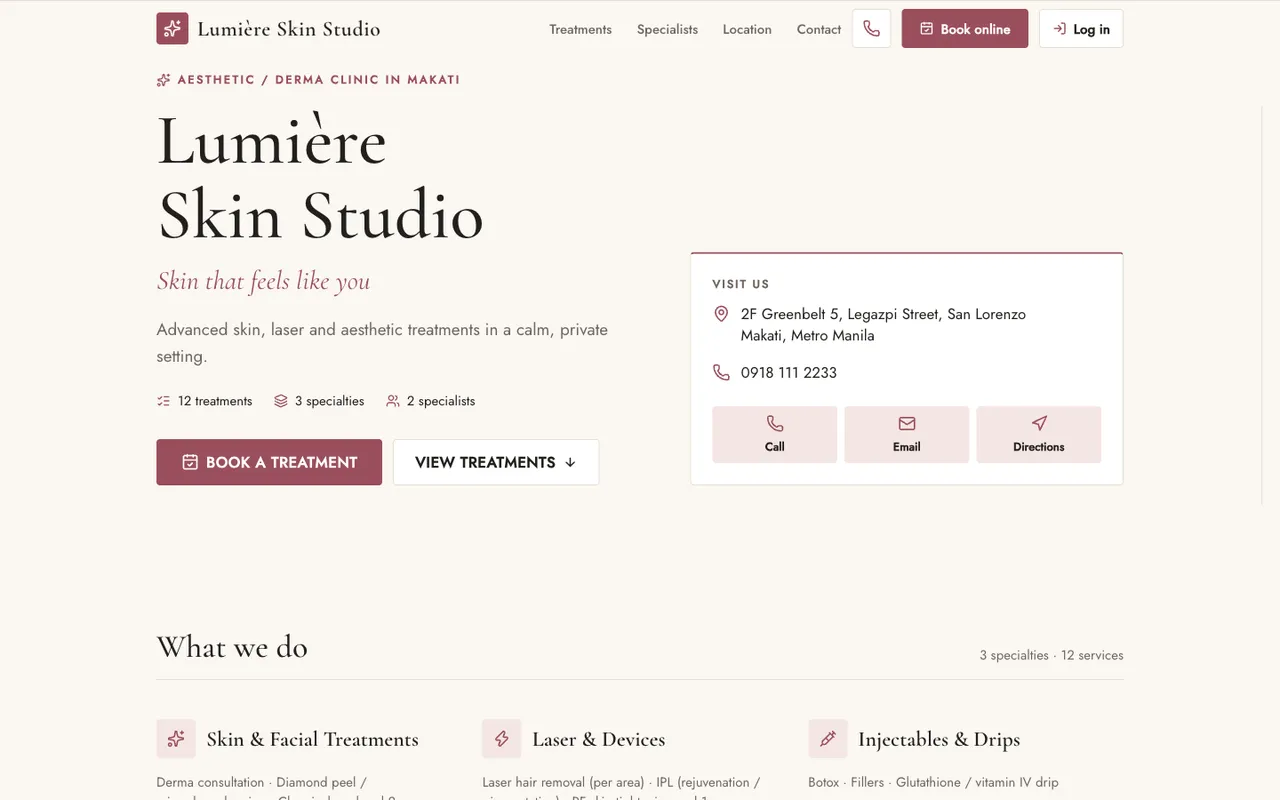
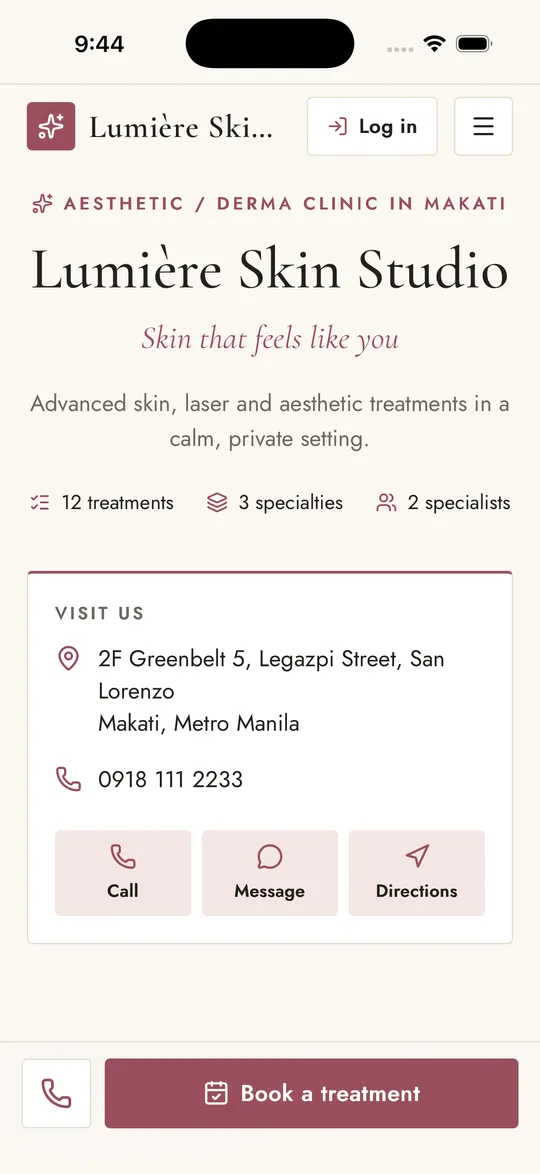
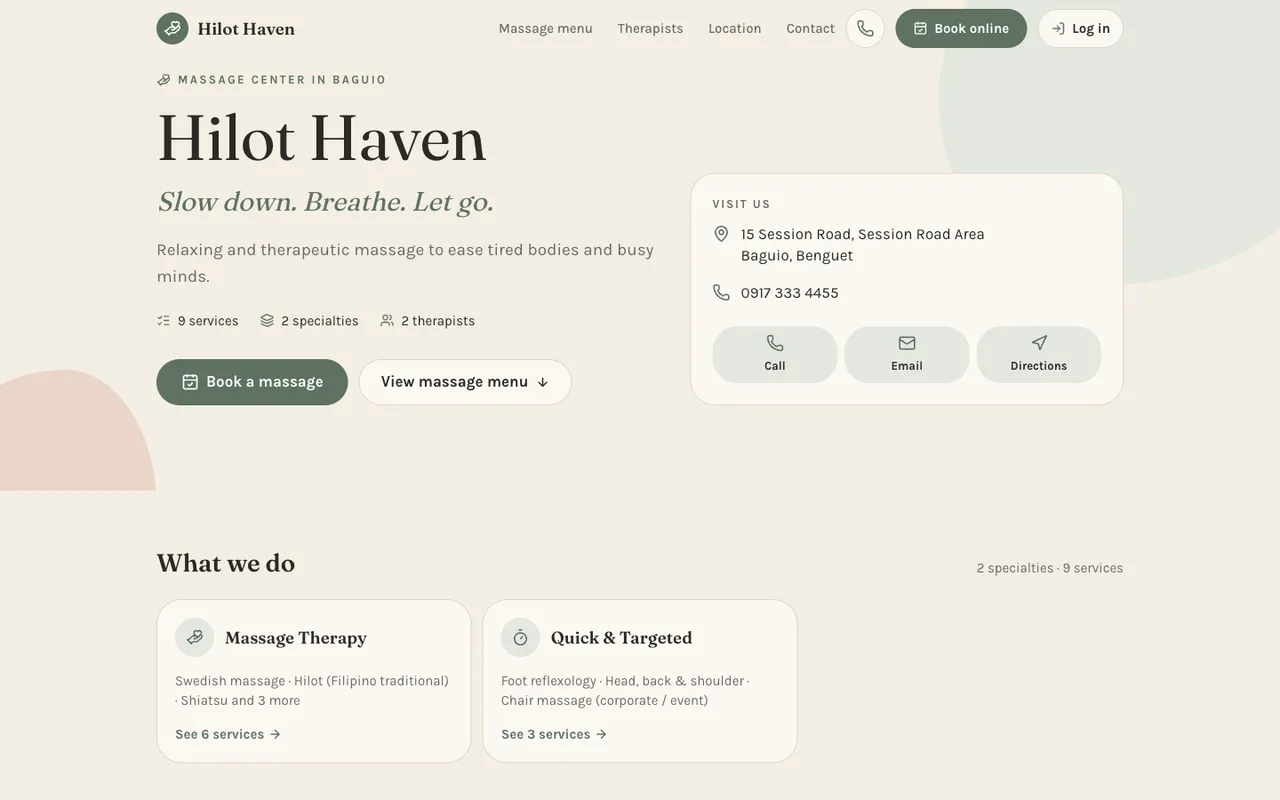
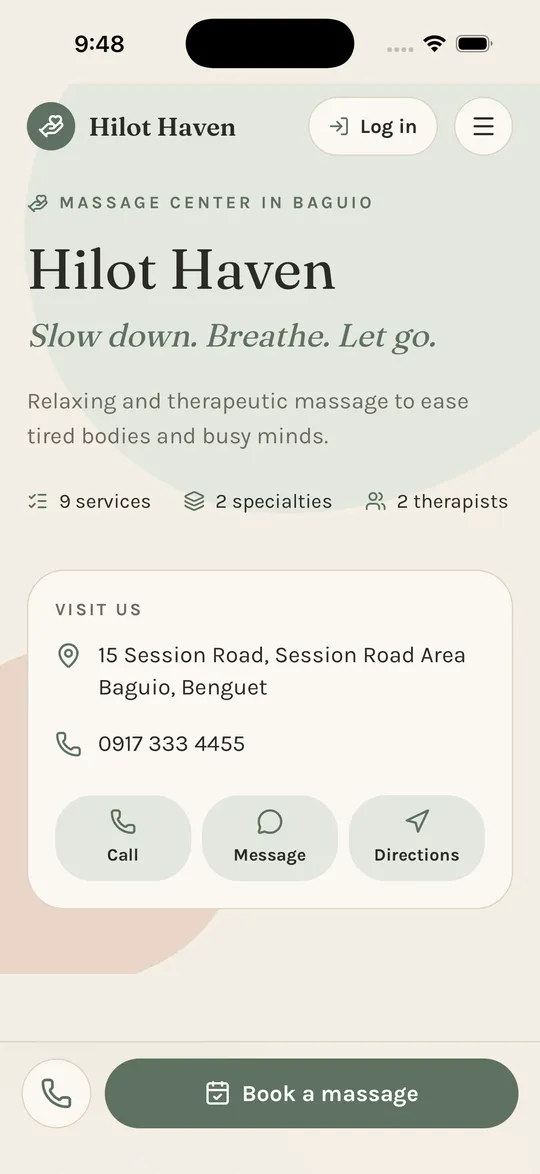
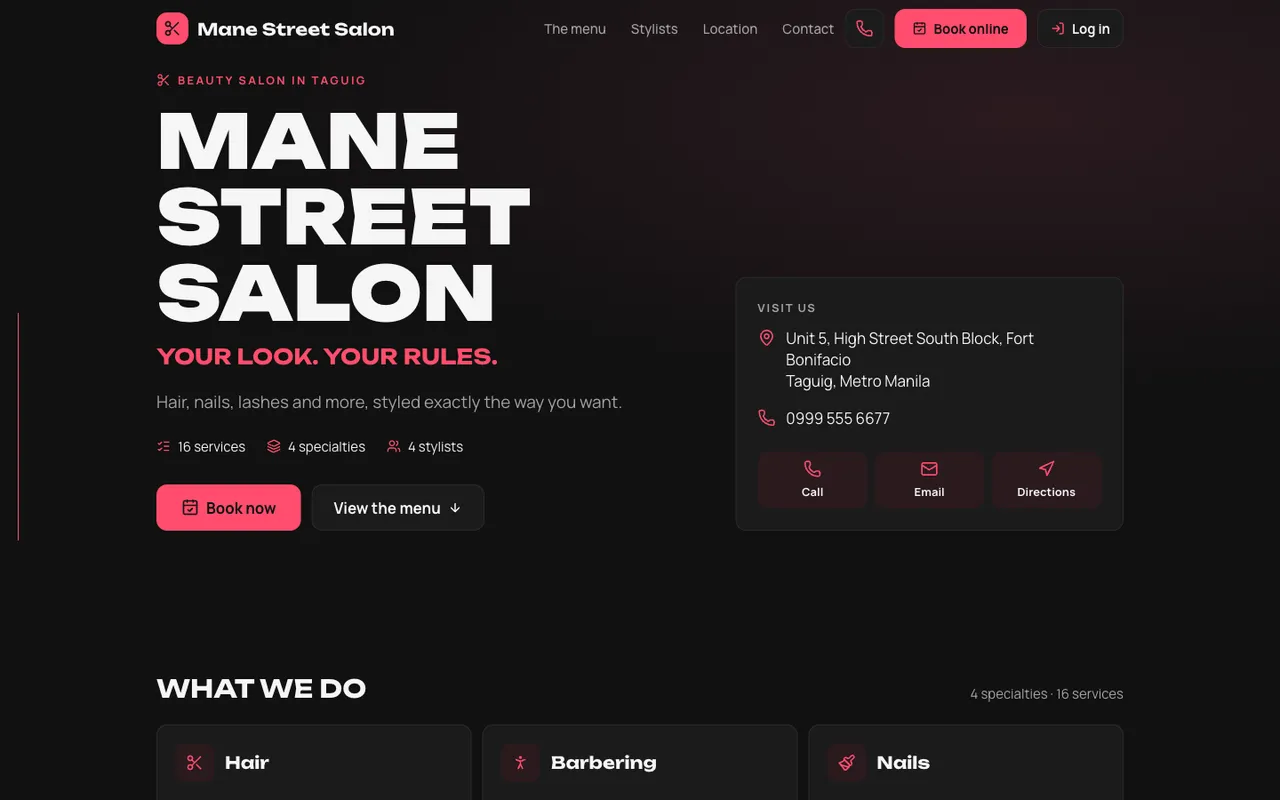
Your clinic gets its own address and a full landing page: services with their lengths, your team, a map with directions, and your contacts. Its fonts, colours and wording follow your clinic type.

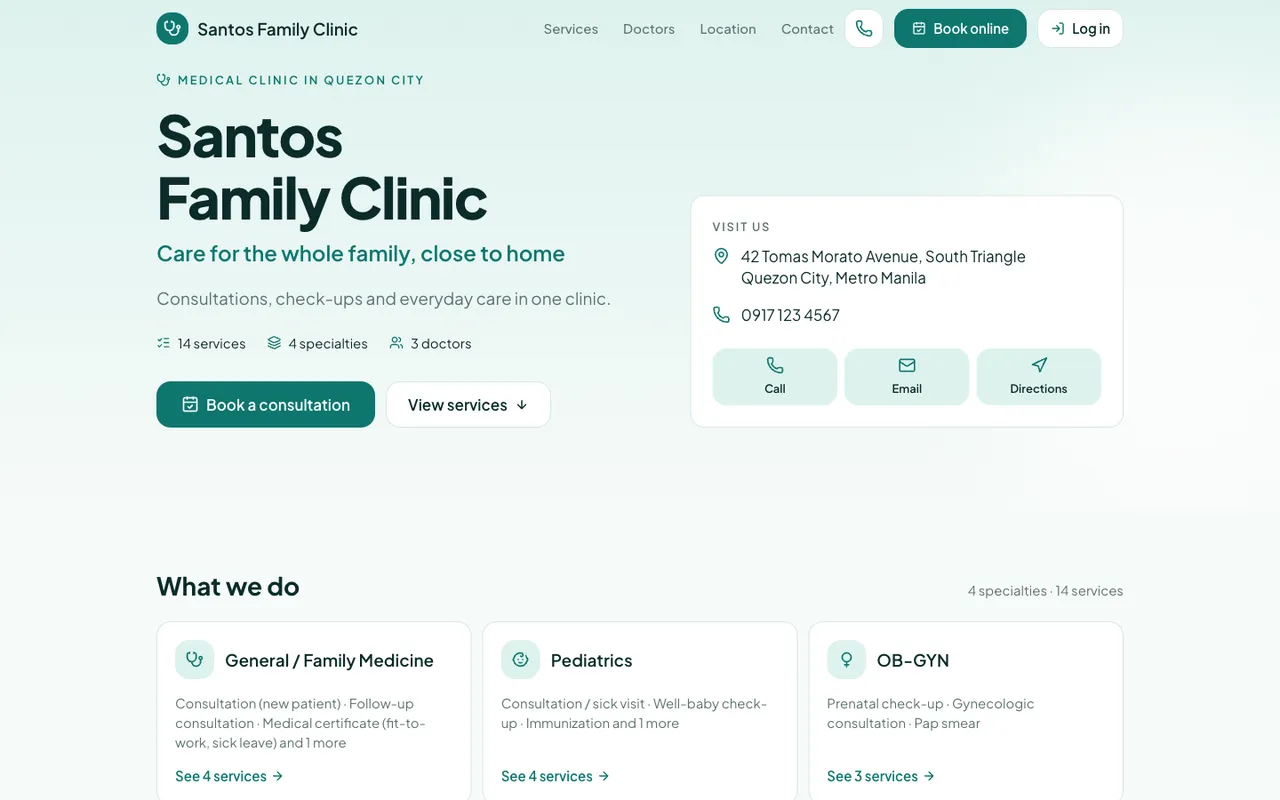
The website of Santos Family Clinic, a demo medical clinic, in the Clinical style
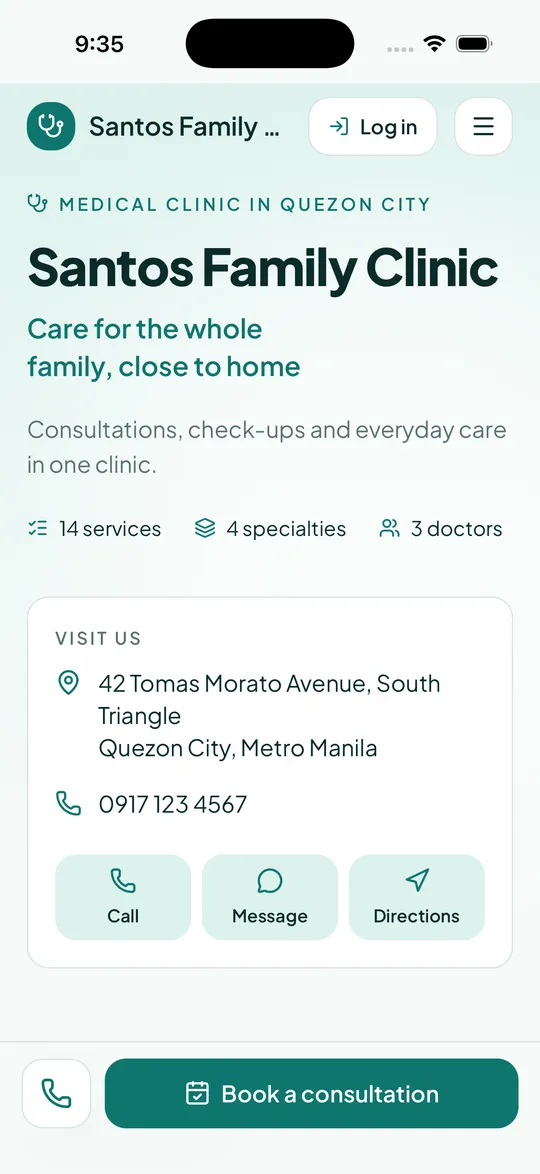
Santos Family Clinic’s website on a phone

Clinical. Deep teal, a crisp sans-serif and plenty of white space. Shown: Santos Family Clinic, a demo medical clinic.

New

Just added to trisha.app

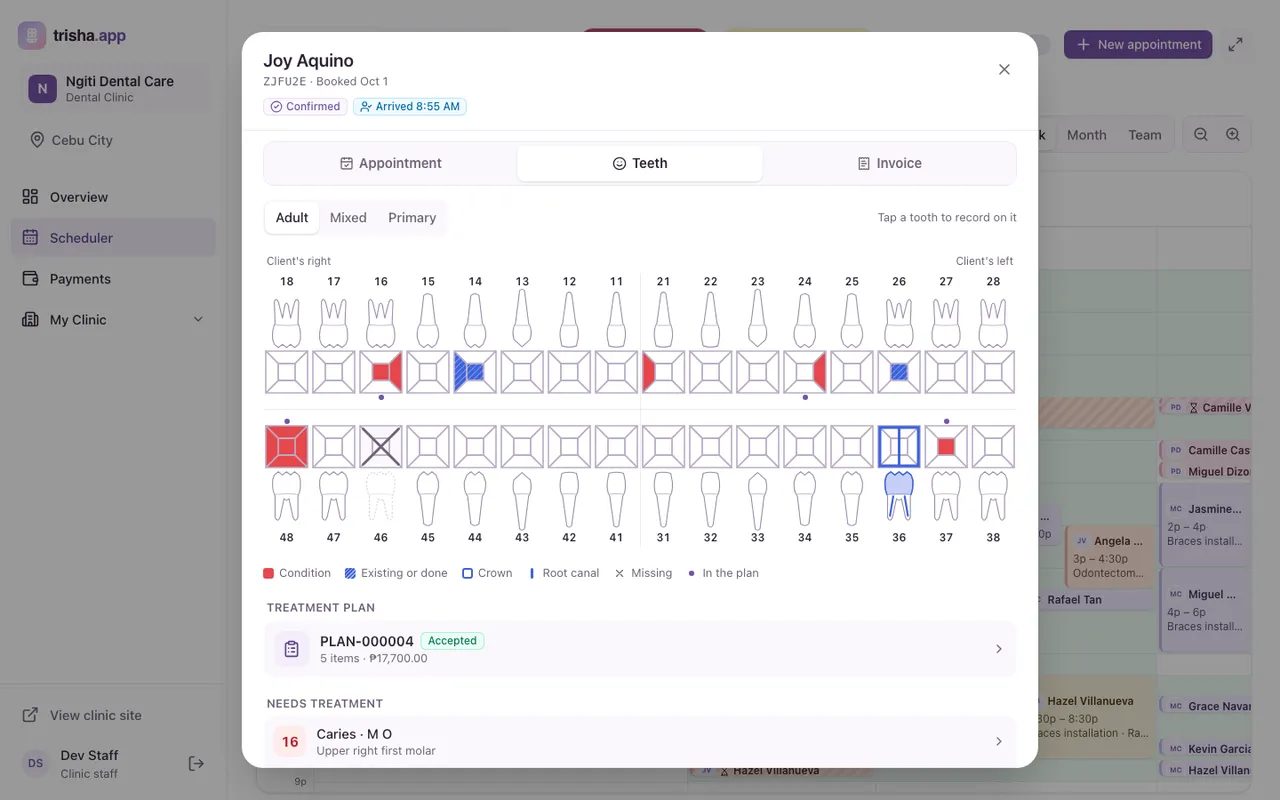
A tooth chart for dental clinics

Tap a tooth to record what you find and what you did, surface by surface. Every visit adds to the same chart.

  • Crowns, root canals and missing teeth drawn on each tooth
  • Treatment plans with prices, signed by the client on your device
  • Clients see their own chart and plan in their account
The tooth chart of a client at Ngiti Dental Care, with caries, fillings, a crown and root canal, and a signed treatment plan
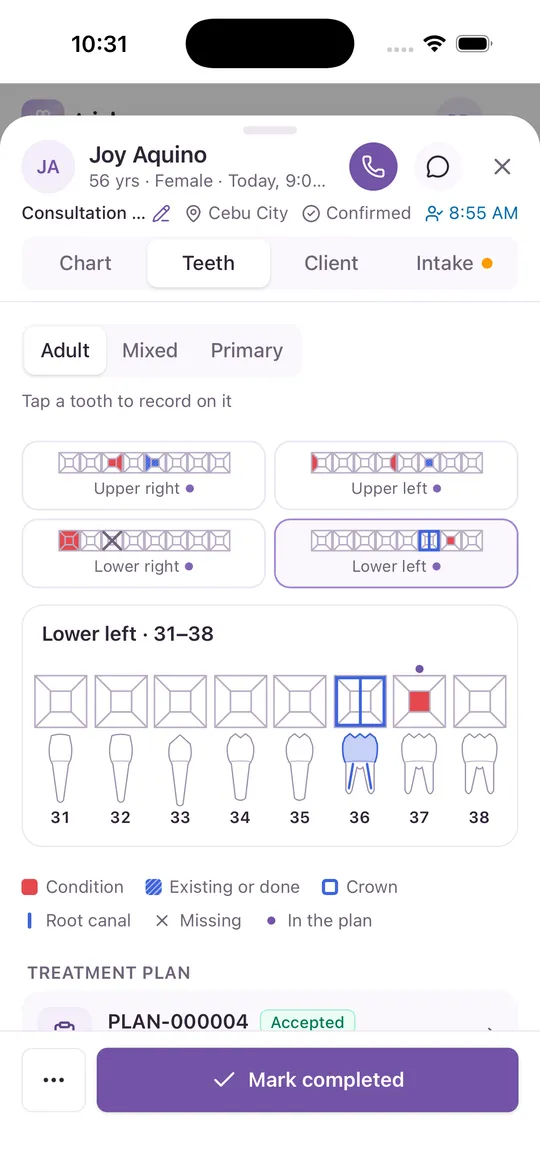
The lower left teeth on a dentist’s phone, with a crown and root canal on tooth 36

Everything in one place

From the first appointment to the last payment

One sign-up covers your clients, your front desk and your practitioners.

Online appointments

Clients book in a few taps, from any phone

They pick a specialty, a practitioner or whoever is free first, a service, its length, then a day and time. No account needed.

  • Only times your practitioners are really free are offered
  • Your rules: auto-confirm or confirm by hand, minimum notice, how far ahead, how late clients can cancel
  • Signed-in clients see their appointments and cancel them online
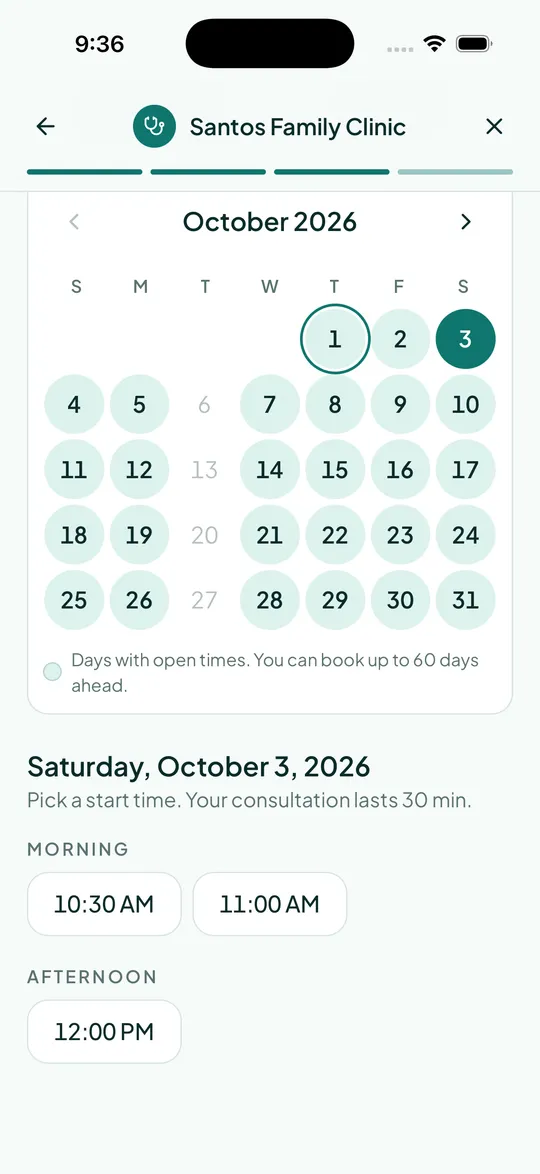
Choosing a day and time when booking a consultation at Santos Family Clinic on a phone

Scheduling

One calendar for the whole clinic

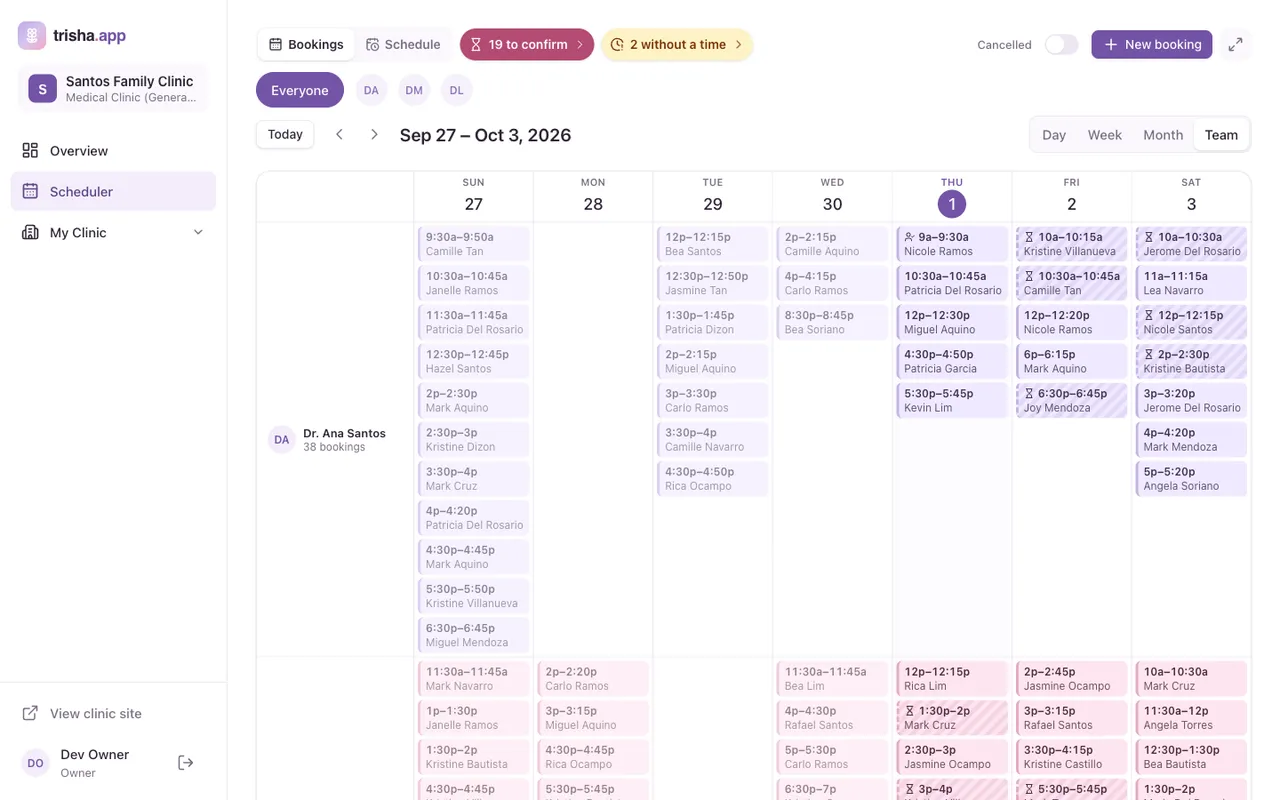
See everyone in day, week, month or team view. Drag an appointment to another time, day or practitioner, and add calls and walk-ins from the front desk.

  • Open time per practitioner and specialty, repeated weekly
  • Clashes are refused, so nobody is double-booked
  • Appointments to confirm, overlaps and handovers are flagged for you
The clinic scheduler in team view, with a row of appointments for each practitioner

Practitioner workspace

The client at a glance, before they walk in

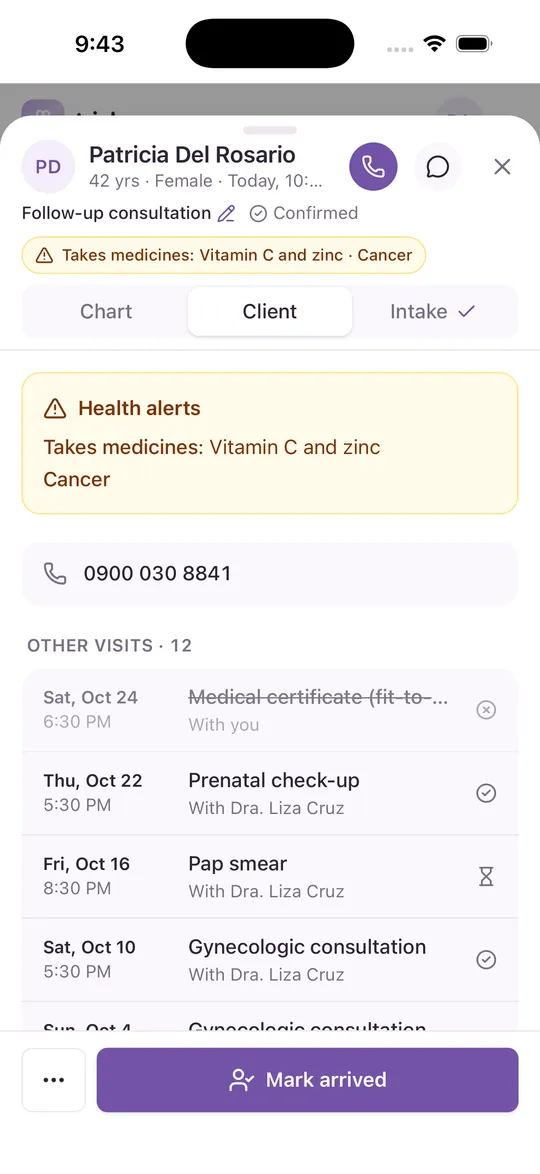
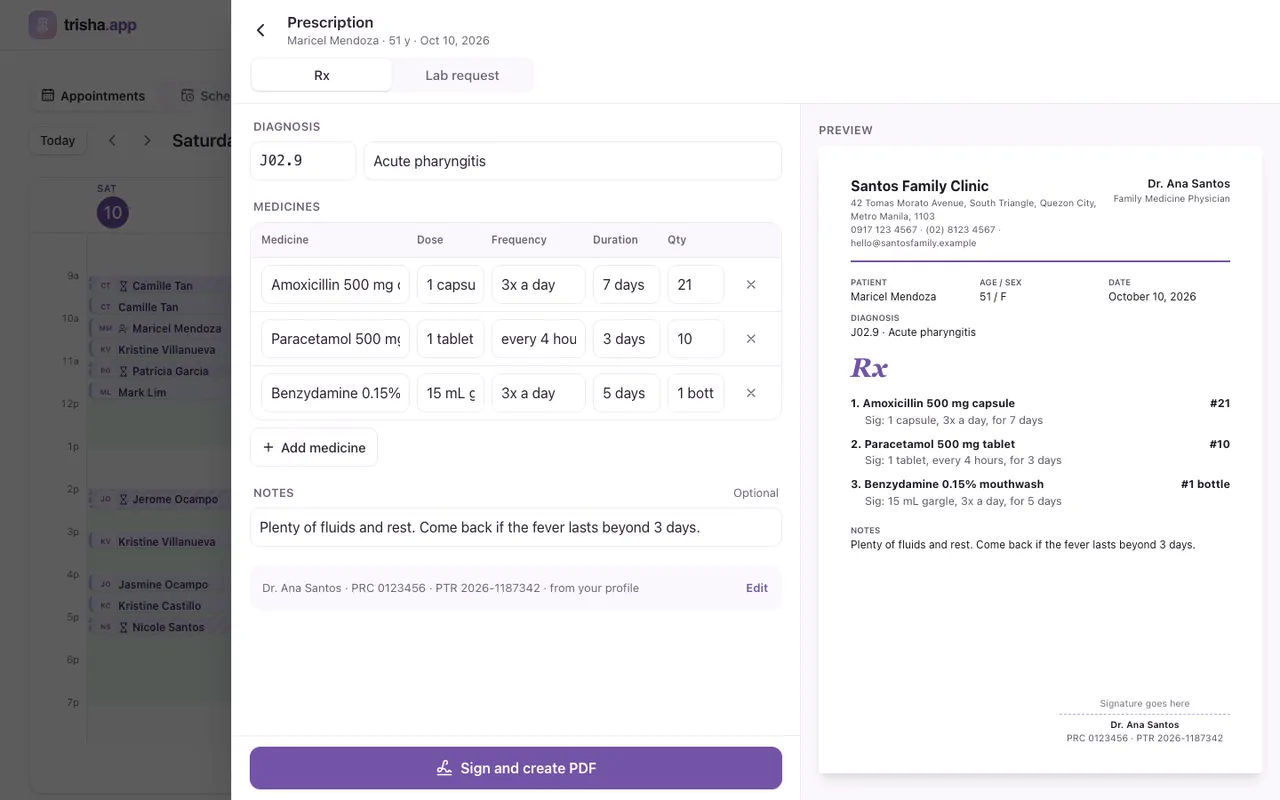
Doctors, therapists and stylists get their own calendar. Each appointment shows the client’s contact, health alerts from their intake answers and their past visits.

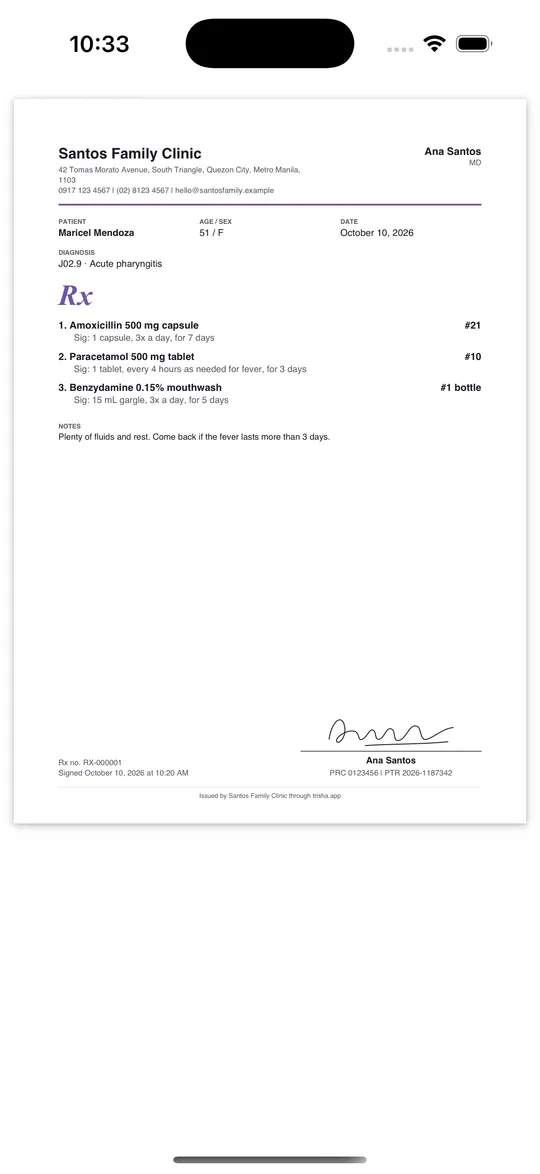
  • Chart notes typed or dictated, with photos, scans, results and PDFs attached
  • Hand an appointment over to a colleague, or book the next visit on the spot
  • Clinical notes stay with practitioners, not the front desk
A practitioner’s view of an appointment on a phone, with the client’s health alerts and past visits

Intake forms

A ready-made form for every specialty

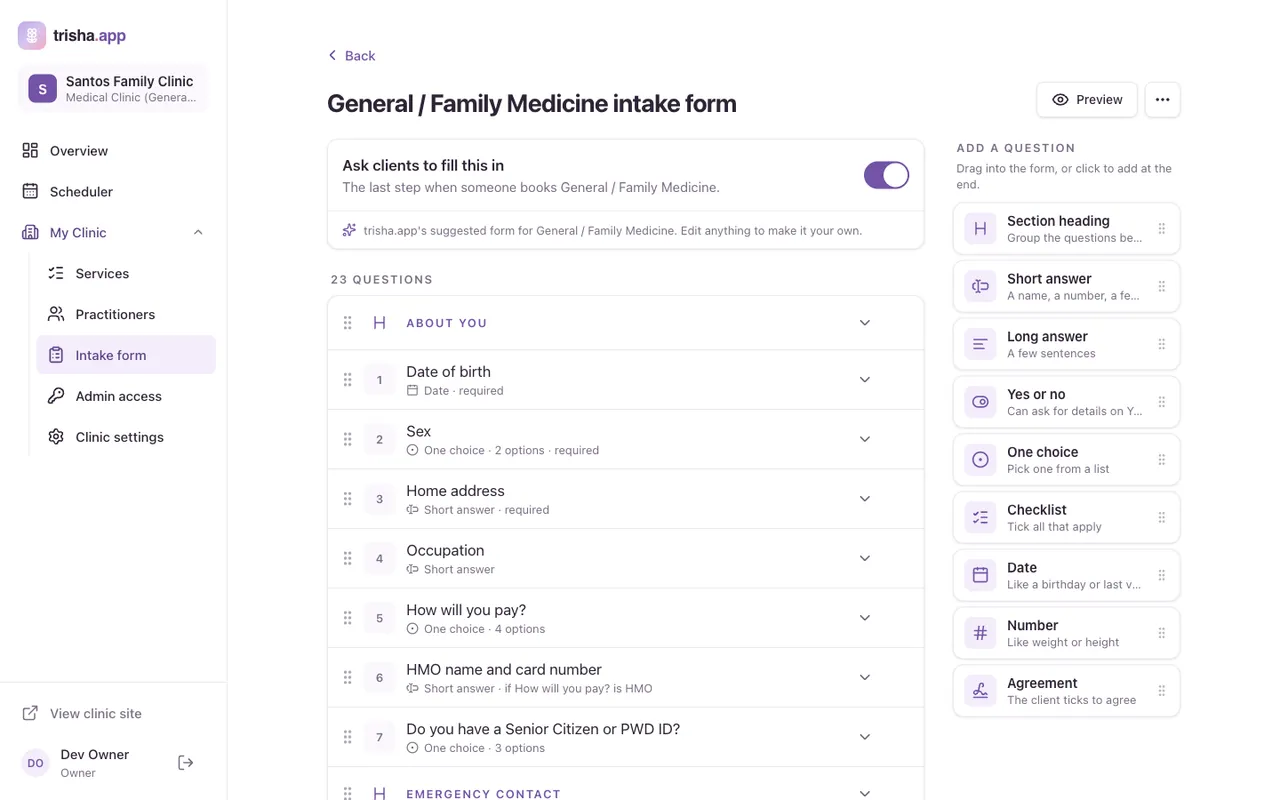
From a full medical history down to a short salon questionnaire, each specialty starts with a suggested form. Clients answer it as the last step of booking.

  • Reword, reorder, add or remove questions in the form builder
  • Questions can depend on earlier answers
  • Privacy consent is always asked, as the Data Privacy Act requires
The intake form builder, with a General and Family Medicine form and the question types to add

Payments

GCash, Maya, cards and QR Ph, built in

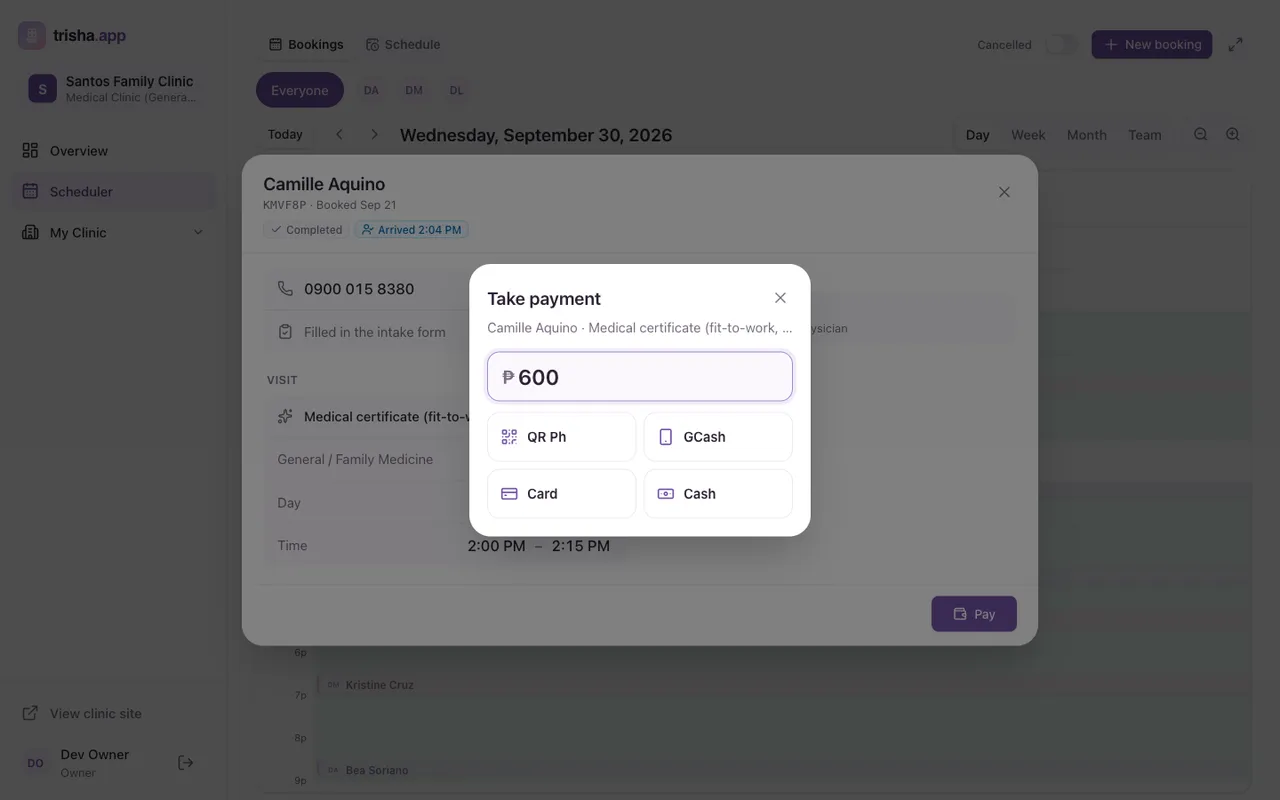
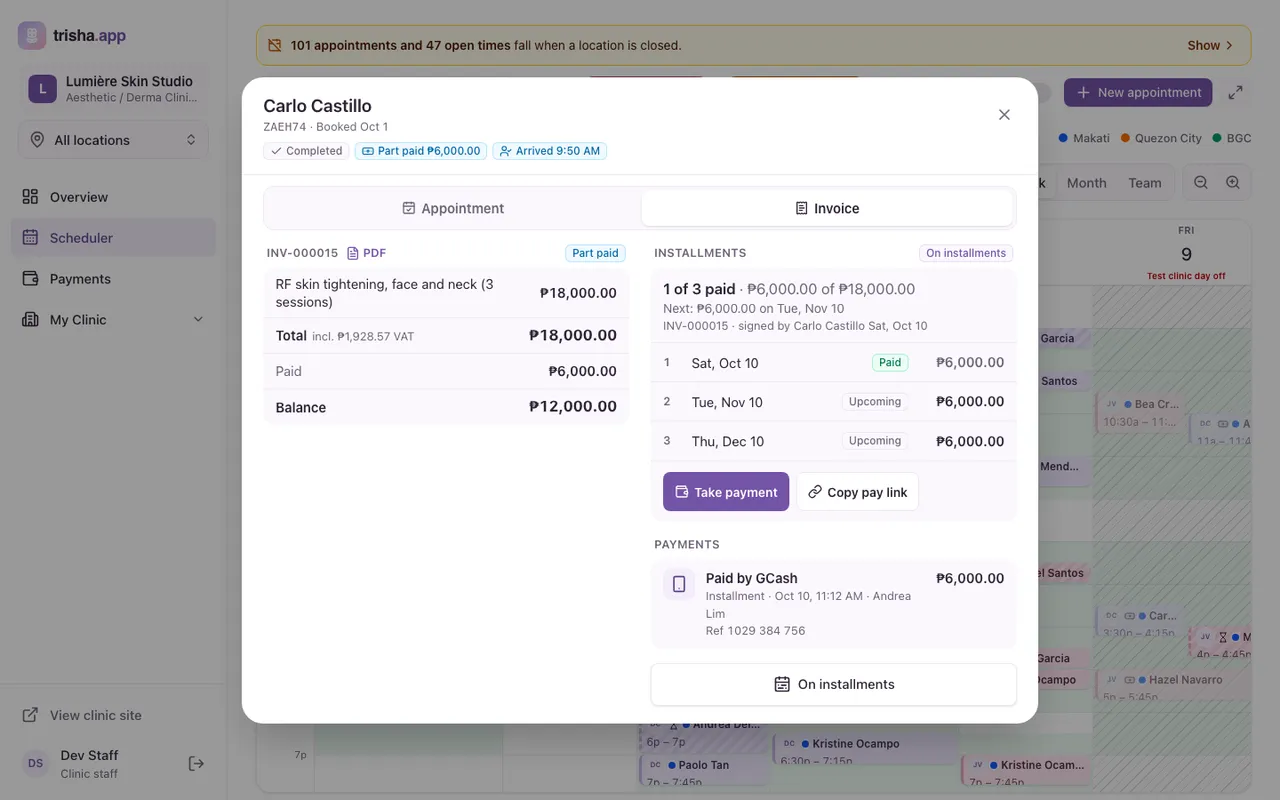
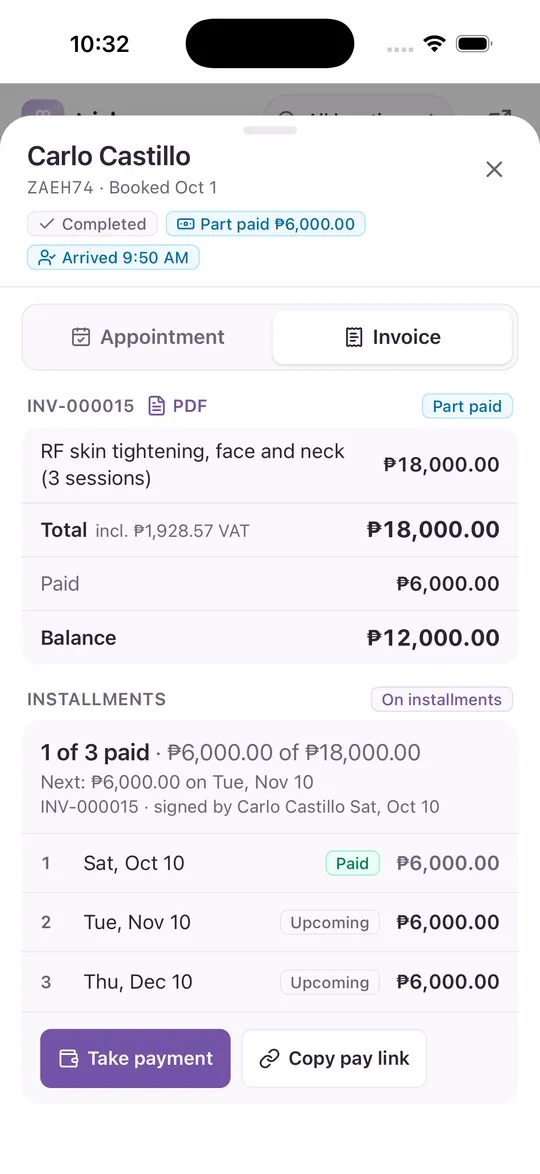
Hold an appointment with a reservation fee paid online, then take payment at the front desk once the visit is done.

  • Your own refund rules, shown to the client in plain words before they pay
  • Cash, or a QR code the client scans to pay with QR Ph, GCash or card
  • Automatic refunds when an appointment is cancelled in time or by the clinic
Taking payment for a completed visit, with QR Ph, GCash, card and cash as options

Who it’s for

Nine kinds of clinics, ready from day one

Pick your type at signup and start with its catalog of specialties and services. Keep what you offer, and add your own.

  • Medical clinics

    General medicine, pediatrics, OB-GYN, minor surgery, vaccination

  • Diagnostic centers

    Laboratory, imaging, cardio-pulmonary tests

  • Dental clinics

    General and specialized dentistry

  • Eye clinics and opticals

    Ophthalmology, optometry

  • Therapy and rehab centers

    Physical, occupational and speech therapy, psychology, nutrition

  • Aesthetic and derma clinics

    Facials, lasers, injectables and drips

  • Massage centers

    Massage therapy, quick treatments, home service

  • Beauty salons

    Hair, barbering, nails, makeup, waxing

  • Spas

    Body treatments, facials, hydro and heat, packages

  • Something else that takes appointments?

    Any business that works by appointment can sign up. Pick the closest type, then add your own specialties and services.

    List your business

How it works

Three steps to your first appointment

  1. Sign up your clinic

    Sign in with Google and go through eight short steps: your name and web address, clinic type, services and their lengths, location and contacts.

  2. Add your team and hours

    Add each practitioner with their specialties, set their open time and your opening hours, and review your appointment rules.

  3. Share your link

    Once we approve your clinic, your website goes live at yourclinic.trisha.app and clients start booking.

Pricing

Start free, grow when you’re ready

Your own site, online appointments, invoices and payments are on every plan.

14-day Clinic trial, no card

  • Free

    Your site and online booking, to start.

    ₱0/ month

    • 1 practitioner
    • 80 appointments a month
    • 1 location
    • Not included: GCash, Maya and bank QR payments and deposits, straight to you
    • Every site template, with your logo and icon
    • Banner slideshow
    • Sales page: takings, invoices and payments
    • Not included: Discounts and promo codes
    Start free
  • Most popular

    Clinic

    Everything for one location.

    ₱1,299/ month

    • Unlimited practitioners
    • Unlimited appointments
    • 1 location
    • GCash, Maya and bank QR payments and deposits, straight to you
    • Every site template, with your logo and icon
    • Banner slideshow
    • Sales page: takings, invoices and payments
    • Discounts and promo codes
    • Premium site templates
    Start your trial
  • Group

    For clinics with more than one location.

    ₱2,499/ month

    • Unlimited practitioners
    • Unlimited appointments
    • 3 locations, +₱499/mo each more
    • GCash, Maya and bank QR payments and deposits, straight to you
    • Every site template, with your logo and icon
    • Banner slideshow
    • Sales page: takings, invoices and payments
    • Discounts and promo codes
    • Premium site templates
    Get started

Prices in pesos. If a paid plan lapses you move to Free: nothing is deleted, and your site stays up.

Ten or more locations? Talk to us.

Like an app, without the app store

Your clinic, on your clients’ home screens

Clients and staff can add your clinic to their phone’s home screen with your own icon and name. It opens full screen, with no browser bars. A short guide on your site shows them how.

Questions, answered

Who is trisha.app for?

Clinics, salons and spas in the Philippines: medical clinics, diagnostic centers, dental clinics, eye clinics and opticals, therapy and rehab centers, aesthetic and derma clinics, massage centers, beauty salons and spas. Each type starts with its own catalog of specialties and services.

Do my clients need an account to book?

No. Clients can book as guests with just their name and mobile number. If they sign in with Google, their details are filled in for them and they can see and cancel their appointments online.

How much does it cost?

Free covers 1 practitioner and 80 appointments a month. Clinic is ₱1,299 a month for unlimited practitioners, unlimited appointments and 1 location. Group is ₱2,499 a month for unlimited practitioners, unlimited appointments and 3 locations. Paying yearly saves up to 17%. Every new business starts with a 14-day Clinic trial, no card needed.

How do clients pay?

Online payments run through PayMongo. You can ask for a reservation fee when clients book, paid with GCash, Maya, card or QR Ph. After the visit, your front desk takes cash or shows a QR code for the client to scan.

What web address does my clinic get?

You choose your own address at signup, such as yourclinic.trisha.app. Your site gets its own page titles, descriptions and sitemap so search engines can find it.

How long does it take to set up?

Signup is eight short steps and your progress is saved as you go, so you can finish later. We review each new clinic before its website goes public. While you wait, you can already add your team, schedule and settings.

Is my clients’ health information private?

Yes. Intake answers and chart files are only shown to your clinic’s own people, and clinical notes stay with practitioners. Files are kept in private storage and never handed out as public links. Every clinic’s data is kept apart from the others.

Does it work on a phone?

Yes. trisha.app is built for phones first, for clients and for your team. Anyone can add your clinic to their home screen and open it like an app, with your clinic’s own icon.

Ready to take appointments online?

Set up your clinic, salon or spa in a few simple steps. Your progress saves as you go.

List your clinic